CPS Test: A Beginner's Guide to Measuring and Improving Clicking Speed
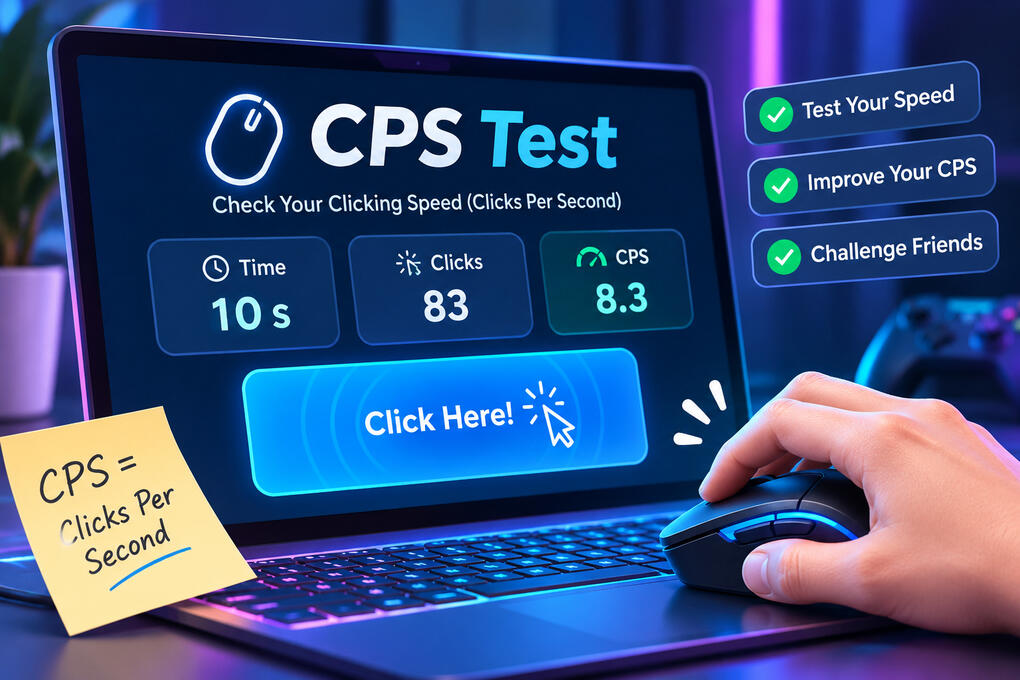
CPS Test is a simple and enjoyable way to measure how quickly you can click a mouse button within a specific time limit. It counts your clicks and calculates your average clicking speed, giving you a clear idea of your performance. Whether you enjoy online gaming, want to challenge your friends, or simply want to improve your clicking ability, this test offers a fun way to track your progress.Getting started is easy. You only need a computer, a mouse, and a few seconds to try it. You can choose different test durations, compare your scores, and practice various clicking techniques to see how much you can improve over time.
What Is a CPS Test?
CPS stands for Clicks Per Second. It measures the number of clicks you make during a specific period. Once the timer ends, the testing tool calculates your average speed and displays the final result.For example, if you make 50 clicks in 10 seconds, your score will be 5 CPS. This means you registered an average of five clicks every second.The main reason people enjoy this challenge is its simplicity. You don't have to learn complicated rules or complete difficult levels. You just start clicking, watch the counter increase, and try to achieve a better score.
How Does an Online Click Test Work?
An online Click Test uses a timer and a click counter to measure your performance. When you begin, the timer starts running, and the tool records every registered click inside the testing area.When the countdown finishes, your total clicks are divided by the test duration to calculate your average CPS score.Most testing tools follow a similar process:
Open the testing page in your browser.
Choose your preferred time limit.
Click the designated area as quickly as you comfortably can.
Watch the counter increase while the timer runs.
Check your final score when the test ends.
Some tools also provide different durations, previous results, and personal best records. These features make it easier to compare your performance across multiple attempts.
How to Calculate Your CPS Score
Understanding your score is easier when you know how the calculation works.CPS Formula:CPS = Total Clicks ÷ Time in SecondsFor example, imagine that you register 80 clicks during a 10-second session. Divide 80 by 10, and your final result is 8 CPS.Here are some additional examples:
| Total Clicks | Test Duration | CPS Score |
|---|---|---|
| 20 | 5 seconds | 4 CPS |
| 35 | 5 seconds | 7 CPS |
| 50 | 10 seconds | 5 CPS |
| 80 | 10 seconds | 8 CPS |
| 120 | 15 seconds | 8 CPS |
Your final score represents your average clicking speed throughout the session. It doesn't necessarily show the fastest clicking burst you achieved during a particular second.
What Is a Good CPS Score?
A good score depends on your experience, mouse, clicking technique, and testing duration. Beginners may start with a lower result, while experienced players can sometimes achieve higher numbers through different techniques.Here is a general guide to understanding your performance:
| CPS Score | Performance Level |
|---|---|
| 1–4 CPS | Beginner |
| 5–7 CPS | Regular clicking |
| 8–10 CPS | Fast clicking |
| 11–14 CPS | Very fast clicking |
| 15+ CPS | Advanced clicking techniques |
These categories are illustrative rather than official standards. Different devices and testing methods can produce different results.Don't feel disappointed if your first score is lower than expected. The purpose is to understand your current ability and gradually become more consistent.
Does Your Mouse Affect Your CPS Score?
Yes, your equipment can influence your results. Different mouse switches, button designs, and input handling can affect how clicks are registered.A comfortable gaming mouse may feel easier to use during repeated clicking, but expensive equipment doesn't automatically guarantee a higher score.Your browser and computer can also influence the measurement. Since online testing tools count registered input events, differences in hardware and software may produce slightly different results.For a fair comparison, use the same computer, mouse, browser, and test duration whenever possible.
Mouse vs. Keyboard: Which Is Better?
Some testing platforms support keyboard input in addition to mouse clicks. A mouse-based test records button clicks, while a keyboard-based version may count repeated presses of a key such as the spacebar.Neither method is automatically faster for everyone. It depends on your comfort, equipment, and the features supported by the testing tool.If you want to compare both methods, record their results separately rather than treating them as identical measurements.
Final Thoughts
Measuring your clicking speed is a simple way to enjoy a quick gaming challenge and understand your performance. You can start with a short session, experiment with different techniques, and compare your results as you practice.The most important thing is to stay comfortable and avoid focusing only on achieving the highest number. Consistency matters too.Ready to discover your clicking speed? Open a testing tool, choose your preferred duration, and see how many clicks you can register. You might be surprised by your result!